Can Dark Mode Really Save Your Eyes? What Science Actually Says
Every major operating system, browser, and app now offers a dark mode toggle. Many users flip the switch assuming it acts as an immediate shield against digital eye strain, late-night headaches, and insomnia.
The reality is more nuanced. While dark mode offers distinct advantages in specific environments, it is not an all-purpose cure for digital fatigue—and in some scenarios, it can actually make reading harder.
How Your Eyes Process Light vs. Dark Themes
Understanding the impact of dark mode requires looking at basic ocular optics:
- Light mode (positive polarity): Dark text on a bright background. When looking at a light screen, your pupils constrict naturally in response to incoming illumination. Narrow pupils increase depth of field and sharpen optical focus, reducing the muscular effort needed to resolve letter shapes.
- Dark mode (negative polarity): Light text on a dark background. In dimmer visual fields, pupils dilate to let in more light. Dilation decreases optical depth of field, which can introduce slight spherical aberrations and make edges look softer or hazier.
For high-speed reading comprehension and dense typographic work during daylight hours, the human visual system consistently performs better with positive polarity (dark text on light).
When Dark Mode Helps
Dark mode isn’t just an aesthetic trend; it provides measurable physiological and hardware benefits under specific conditions:
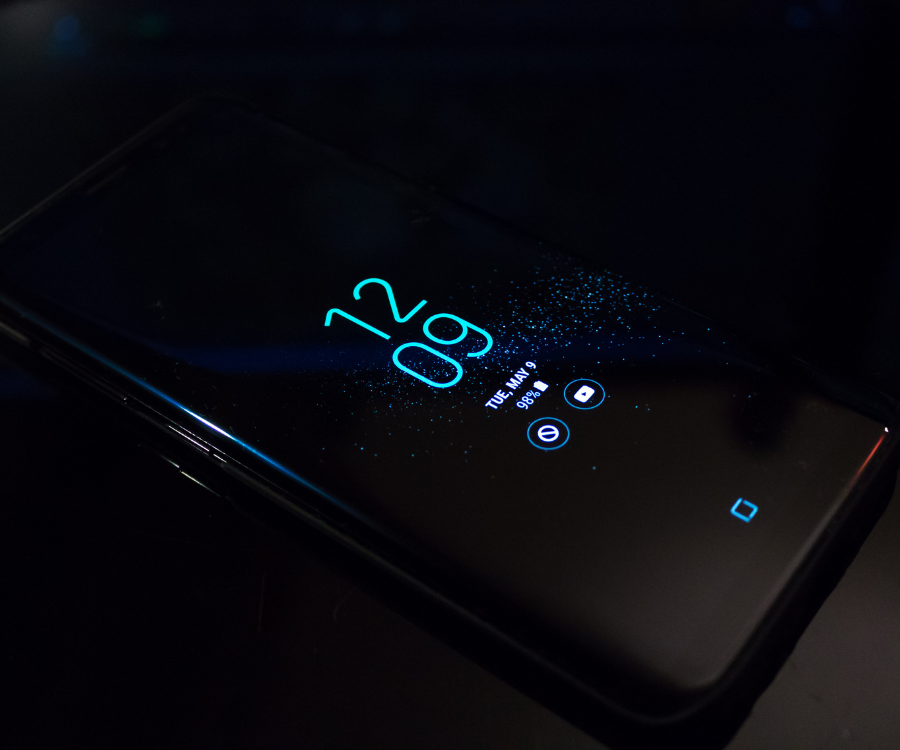
- Low-Ambient Lighting: When browsing in a dark bedroom or a dimly lit workspace, an intense white display creates high contrast against the surrounding room. This stark difference forces retinal adaptation mechanisms to work continuously, causing discomfort. Dark mode harmonizes screen luminance with ambient darkness.
- Melatonin Preservation: White displays emit substantial short-wavelength blue light, which triggers melanopsin-containing retinal ganglion cells that suppress melatonin production. Lower overall screen luminance at night helps maintain your body’s natural circadian cues.
- Photophobia and Migraines: Individuals suffering from photophobia (light sensitivity), visual aura migraines, or post-concussion light sensitivity often experience immediate symptomatic relief by reducing overall luminous flux with dark interfaces.
- Battery Conservation (OLED/AMOLED): On OLED screens, dark pixels are physically turned off rather than backlit. Running dark themes at low-to-moderate brightness significantly reduces display power consumption.
When Dark Mode Can Make Eye Strain Worse
Flipping on dark mode does not guarantee comfort, especially in these common scenarios:
1. The Halation Effect & Astigmatism
Roughly 30% to 50% of people have some degree of astigmatism—an irregular curvature of the cornea or lens that prevents light from focusing evenly on the retina.
When people with astigmatism view white text on a black background, dilated pupils cause light to bleed outward from letter strokes. This visual artifact, known as halation or the “halo effect,” makes text look blurry or shadowed, forcing the ciliary muscles inside the eye to work harder to maintain clarity.
2. Brightly Lit Workspaces
Using dark mode in an office flooded with daylight or overhead fluorescent lighting introduces reverse glare. Your eyes must continually adapt between the bright perimeter of your room and the dark rectangular canvas on your desk, triggering muscular fatigue.
Light Mode vs. Dark Mode: Direct Comparison
| Visual Factor | Light Mode (Dark Text / Light BG) | Dark Mode (Light Text / Dark BG) |
| Best Environment | Sunlit rooms, brightly lit offices | Dim rooms, nighttime, low-light flights |
| Reading Speed | Higher acuity and faster scanning | Slightly slower text parsing speed |
| Visual Acuity | Sharper (pupils constrict) | Softer; prone to halation/blurring |
| Astigmatism Friendly | Yes | Often worsens haloing around characters |
| Blue Light Emission | Higher overall lumen output | Lower overall luminous output |
What Actually Causes Digital Eye Strain?
If dark mode isn’t the silver bullet for computer vision syndrome (CVS), what is? Most symptoms blamed on “bright screens” actually stem from behavioral mechanics:
- Reduced Blink Rates: Normal blinking occurs roughly 15 to 20 times per minute. Staring at digital tasks cuts that rate by half or more, leading to tear film evaporation, dry spots on the cornea, and stinging or burning sensations.
- Fixed Focal Distance: Keeping eyes locked on a plane 50–70 cm away locks the ciliary muscles in continuous contraction, producing tension headaches and brow ache.
- Improper Contrast & Glare: Reflections from windows or harsh overhead lighting washing out the display force extra visual effort to parse contrast.
4 Evidence-Based Habits for Healthier Eyes
Rather than relying solely on display palettes, adopt these proven ergonomic practices:
- Follow the 20-20-20 Rule: Every 20 minutes, shift your gaze to an object at least 20 feet away for 20 continuous seconds. This relaxes the ciliary muscle spasms responsible for focal fatigue.
- Match Display Luminance to Your Room: Hold a piece of white paper next to your screen. If the display looks like a lightbulb compared to the paper, it is too bright. If it looks gray or muddy, it is too dim.
- Use Gray Rather Than Pure Black: For reading light-on-dark, choose dark gray interfaces (such as
#121212) rather than pure pitch black (#000000). Lowering contrast between the characters and the background reduces the intensity of the halation effect. - Keep Artificial Tears on Hand: Preservative-free lubricating eye drops replenish the tear film disrupted by decreased blink frequency during long focus blocks.
The Verdict
Dark mode is a practical tool for nighttime use and low-light spaces, but it is not a cure for digital eye strain. For daytime reading, document editing, and users with astigmatism, standard light themes offer superior legibility and focus. Optimize your theme choice around your ambient room lighting rather than sticking to one permanent setting.